
Description
Mastervolt PowerCombi MasterBus Interface | Boat Supply Store
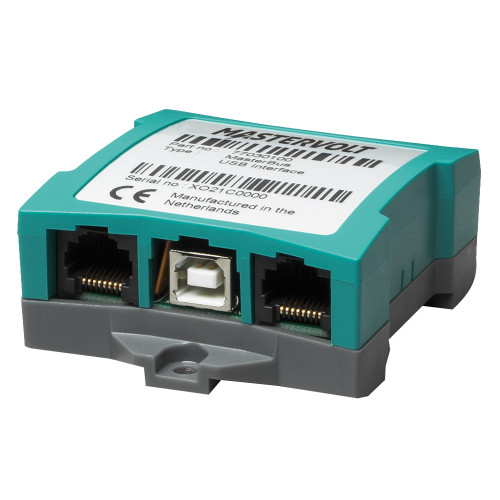
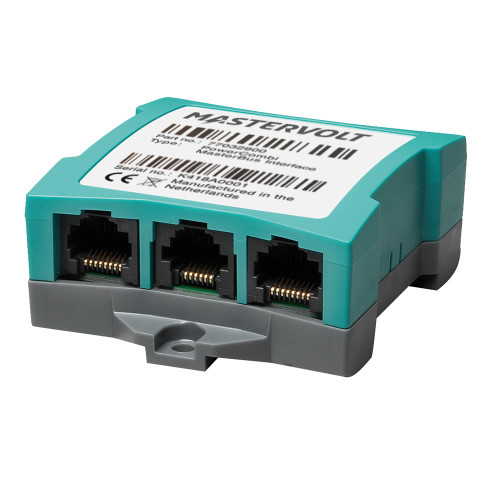
For vessels requiring advanced power management, this interface facilitates MasterBus communication for Mastervolt PowerCombi inverter/charger units. It enables the direct integration of PowerCombi devices into an existing MasterBus network, allowing for comprehensive remote control and status monitoring of your onboard AC power system. Specifically, it translates PowerCombi operational data for centralized display and command via the MasterBus digital network, which is essential for complex power configurations on offshore cruising catamarans or large sportfishers.
Key Features
- Seamless MasterBus communication for PowerCombi units
- Enables remote control of PowerCombi functions
- Provides real-time monitoring via MasterBus network
- Simplifies integration into existing MasterBus systems
- Facilitates centralized management of onboard power
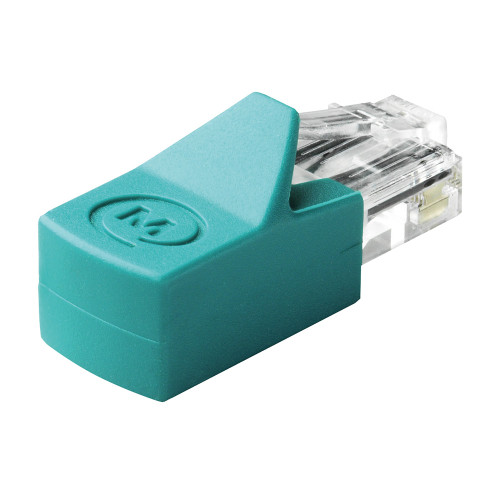
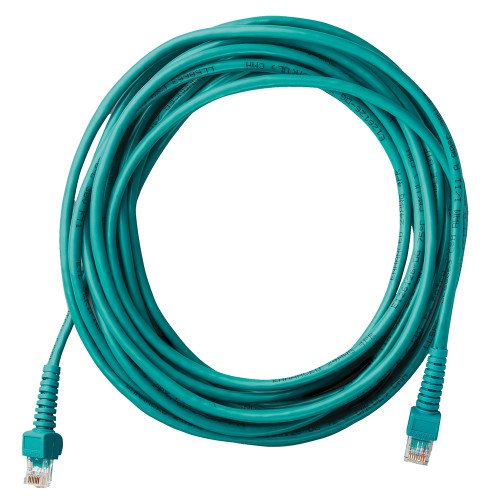
- Includes necessary RJ45 communication cable
- Designed for Mastervolt's robust marine electrical ecosystem
- Enhances diagnostic capabilities for PowerCombi units
Specifications
| Product Specifications | |
|---|---|
| MPN | 77032900 |
| Communication Protocol | MasterBus |
| Included Cable | RJ45 |
Who This Is For
This interface is designed for marine system integrators and boat owners who have established MasterBus networks and utilize Mastervolt PowerCombi inverter/charger systems. It is for users seeking to centralize control and monitoring of their power management electronics within a unified digital backbone.
How It Compares
| Feature | Mastervolt PowerCombi MasterBus Interface | Victron Energy |
|---|---|---|
| Communication Protocol | MasterBus | VE.Can, NMEA 2000 |
| Primary System Integration | Mastervolt MasterBus | Victron VE.Bus |
| Included Cable Type | RJ45 | Not specified |
Common Concerns Answered
What if I don't have an existing MasterBus network?
This interface requires an existing MasterBus infrastructure to function. If you do not have MasterBus, you will need to establish that network first to integrate the PowerCombi unit, which may involve additional components and complexity.
Is the setup complicated?
The physical connection of the interface to both the PowerCombi and the MasterBus network is generally straightforward. However, configuring the MasterBus network itself may require a basic understanding of marine electrical systems and digital networking principles.
What are the limitations of this interface?
The primary limitation is its compatibility, which is strictly within the Mastervolt MasterBus ecosystem. It cannot be used to integrate PowerCombi units into other proprietary marine network protocols.
Frequently Asked Questions
What is the Mastervolt PowerCombi MasterBus Interface used for?
The Mastervolt PowerCombi MasterBus Interface allows Mastervolt's PowerCombi inverter/charger units to communicate over the MasterBus network, enabling centralized remote control and monitoring of the power system.
How does the PowerCombi MasterBus Interface connect to my system?
The interface connects to the Mastervolt PowerCombi unit via its dedicated interface port and then connects to the MasterBus network using an RJ45 communication cable.
What is MasterBus communication?
MasterBus is a proprietary digital communication network developed by Mastervolt for integrating and controlling their marine electrical equipment, allowing for seamless data exchange and command functions between devices.
Is an RJ45 cable included with the interface?
Yes, an RJ45 communication cable is included with the Mastervolt PowerCombi MasterBus Interface to facilitate its connection to the MasterBus network.
What PowerCombi models are compatible with this interface?
This interface is designed for Mastervolt PowerCombi units that support MasterBus communication. Consult the PowerCombi's technical specifications or Mastervolt documentation to confirm specific model compatibility.